
Equipment support · 4 min read
Resolving a Pool Equipment Order Problem
When a cue or accessory order goes wrong, begin with a clear record of what you ordered, what arrived and what you need checked. The seller can investigate a specific mismatch more easily than a general complaint. Preserve the equipment and packaging while you gather the details, then send one concise message through the seller's official support channel.
Identify the problem before requesting a remedy
Separate delivery questions from product questions. A tracking record without a parcel, visible transport damage, the wrong variant and an unfamiliar feel are different concerns. Start your message with the situation you can observe rather than guessing how it happened.
For example, explain that the order specifies a left bridge hand medium glove but the received package identifies a right bridge hand small. For a shaft, state the ordered joint and the marking on the received item. Describe both sides of the mismatch so support can check the order and the packing record.
Check the order record and shipment details
Open the order confirmation and compare the product name, quantity and selected options. Look for separate shipment notices before deciding that a missing accessory was left out. Keep the confirmation and the shipping message together so you can distinguish what was ordered from what the latest parcel was expected to contain.
For a delivery question, record the carrier, tracking number, latest status and the time you checked it. If tracking says delivered, check the location described in the delivery record and ask household members or reception staff whether they received it. Contact the seller promptly if the parcel is still missing. Do not assume that a label creation notice means the carrier already has the package.
Document damage before using or repairing anything
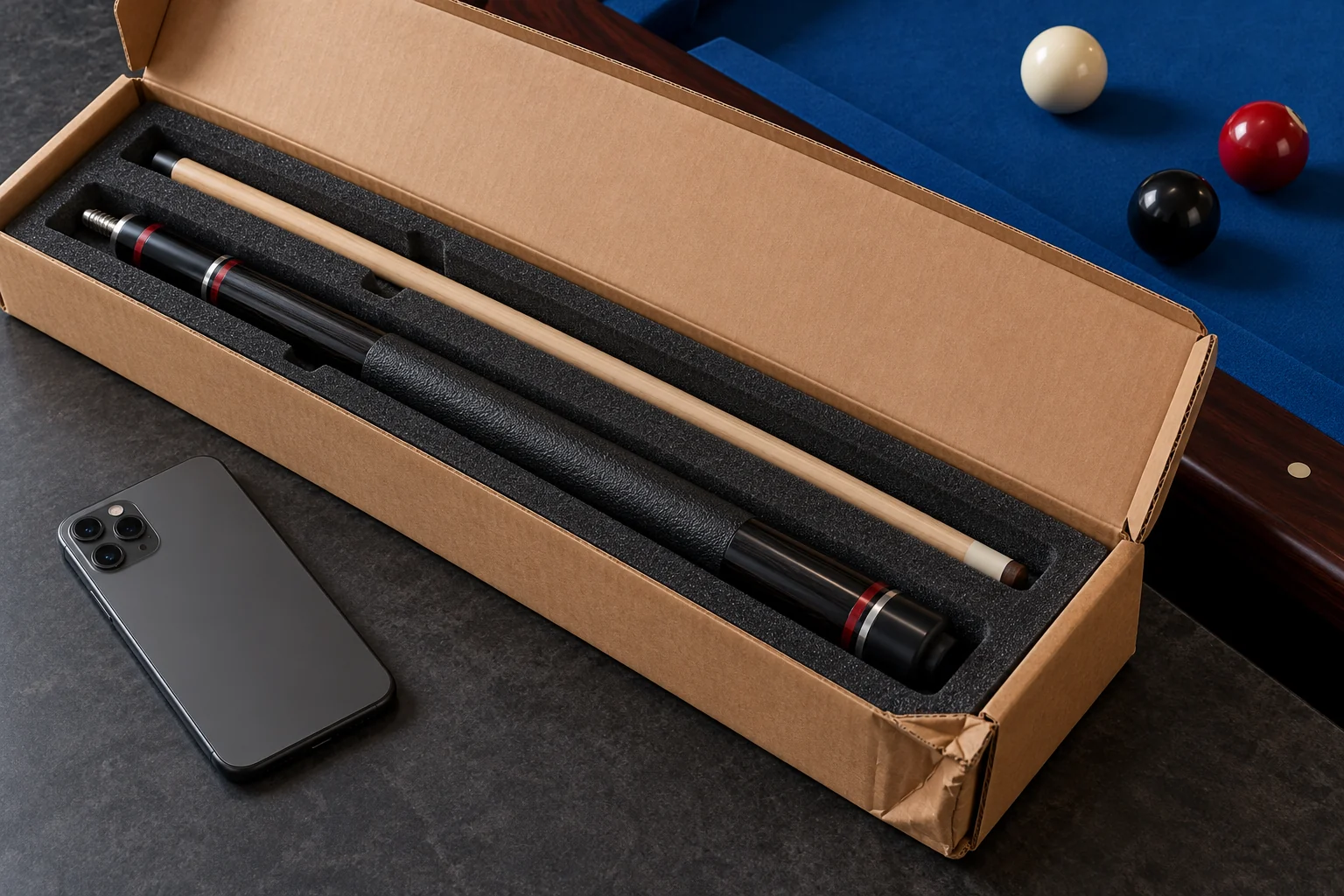
Take an overall photograph of the carton, a photograph of how the equipment was packed and a close view of the problem. Keep the outer box, padding and labels while the seller or carrier determines what is needed. UPS's documentation guidance requests images of the damaged item in its packaging, the shipping label and the outside of the parcel for its damage claims.
Use that as a useful evidence example, not as a rule for every carrier. Send shipping labels privately through the support process rather than posting your address online. Do not glue a damaged component, sand a joint or try to straighten a part before asking support for instructions. If equipment appears unsafe to use, set it aside.
Show a compatibility problem without forcing the joint
If a shaft will not fit, photograph the shaft joint, the cue joint and any model or specification markings. Explain the resistance you observed and whether the parts were ever assembled. Stop rather than forcing the connection; damaging the threads creates another problem and makes the original issue harder to assess.
A product photograph or familiar joint nickname may not identify every relevant detail. Ask support to confirm the ordered configuration against the equipment you are trying to pair. Keep the cue and shaft unchanged while that check takes place. The same principle applies to extensions and other accessories that screw or press into equipment.
Send one useful support message
For an Ariakon order, the storefront contact page asks for the order number and checkout email and lists support@ariakon.com. Use the official contact page to confirm the destination. Never send a password, a full payment card number or a card security code with an order question.
- Order number and the email used at checkout.
- Product name, ordered options and affected quantity.
- Delivery date or the latest tracking observation.
- A plain description of the difference or damage.
- Relevant photographs, with private information shared only through support.
- The outcome you are asking the seller to investigate.
- Any earlier support reference, kept in the same message thread.
Keep the resolution and the next step clear
Ask which instructions apply before shipping an item back. A request to check a shipment does not establish return authorization, a refund amount or a replacement date. Keep the seller's reply, any agreed action and any shipment receipt in your order record.
If you need to follow up, summarize the original issue and add the new fact, such as a requested photograph or a changed tracking status. The FTC recommends retaining purchase and communication records and trying to resolve online shopping problems directly with the seller. A consistent record helps everyone understand what is still unresolved.
Sources and further reading
References support the specific factual information above. The practical checklists are Ariakon editorial guidance.